
Docs
How each part of Seanime Mobile 4.1 works, with the exact buttons to tap. The chips show the way through the app, like MenuExtensionsMarketplace. Every section has a screenshot from the app, and the numbers on it are the steps next to it.
-
Getting started
First start, AniList or a local account, and installing your first streaming and manga sources. Start here if the app looks empty.
MenuExtensions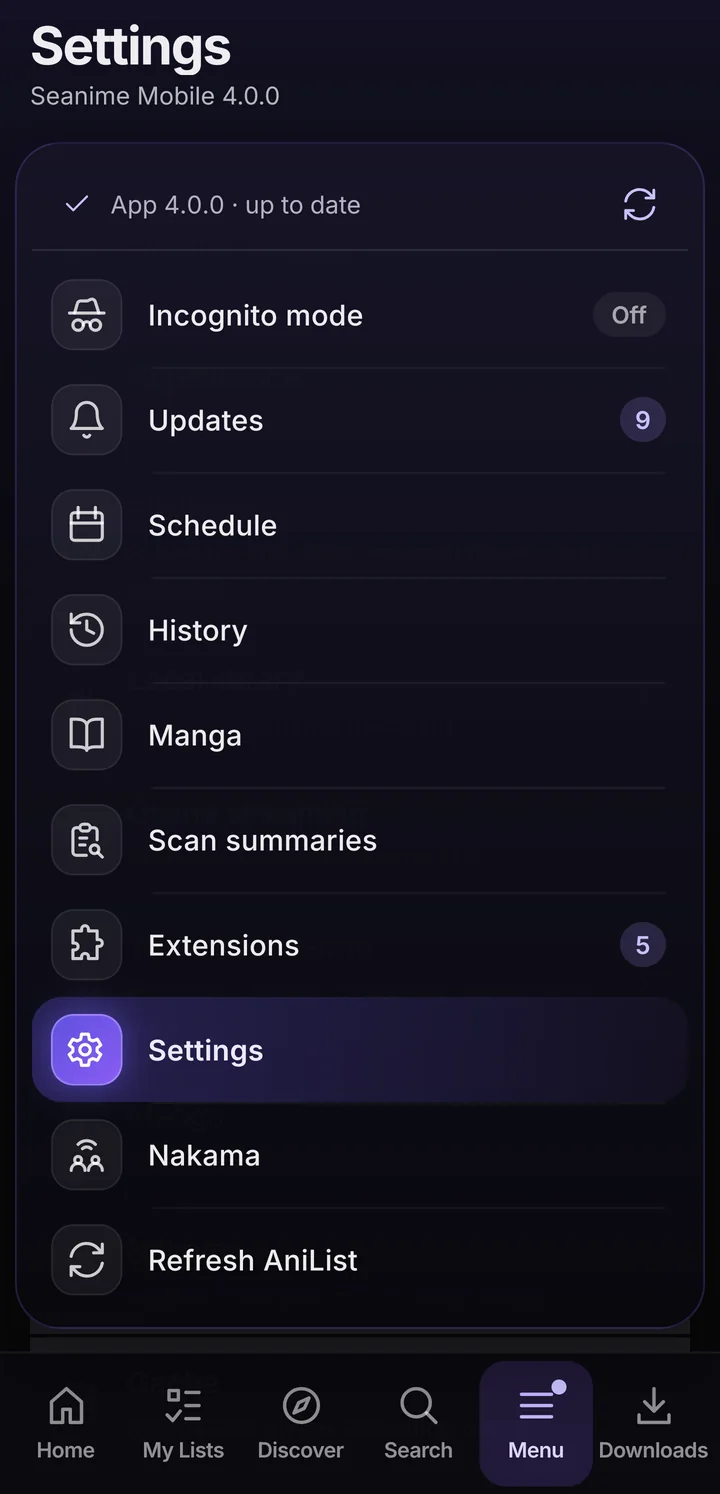
-
Watching
Online streaming, torrents, debrid, the player, subtitles and external players.
Episodes & playbackOnline streaming -
Downloads
Save episodes, fetch the next ones automatically, delete watched ones, download torrents.
Downloads -
Manga
Sources, the reader with its modes, fit and zoom, chapter downloads and alerts.
MenuManga -
Lists and AniList
Sync, changes that wait while offline, the local account, quick actions and Home.
My Lists -
Discover, search, history
Find new titles, see what airs when, look back, and go incognito.
MenuHistory -
Playlists, casting, Nakama
Line up episodes, send them to the TV, play your PC's Seanime library.
SettingsNakama -
Backup, widgets, updates
One-file backups, home screen widgets, tablets and safe app updates.
SettingsAppBackup -
Settings and fixes
What each settings area holds, the bottom bar, caches and common problems.
MenuSettings
Installing the APK, checking the file and fixing "App not installed" are on the Help page. Something missing here? Ask on Discord or open an issue on GitHub.